


ARCHICAD BIM basics: The power of technology in detailing
- Dominic Sifo
- Mar 6, 2020
- 2 min read

A detail defines architecture and gives technical detailed instructions of how to build specific constructive elements. In general are powerful tools to communicate designer’s intentions.
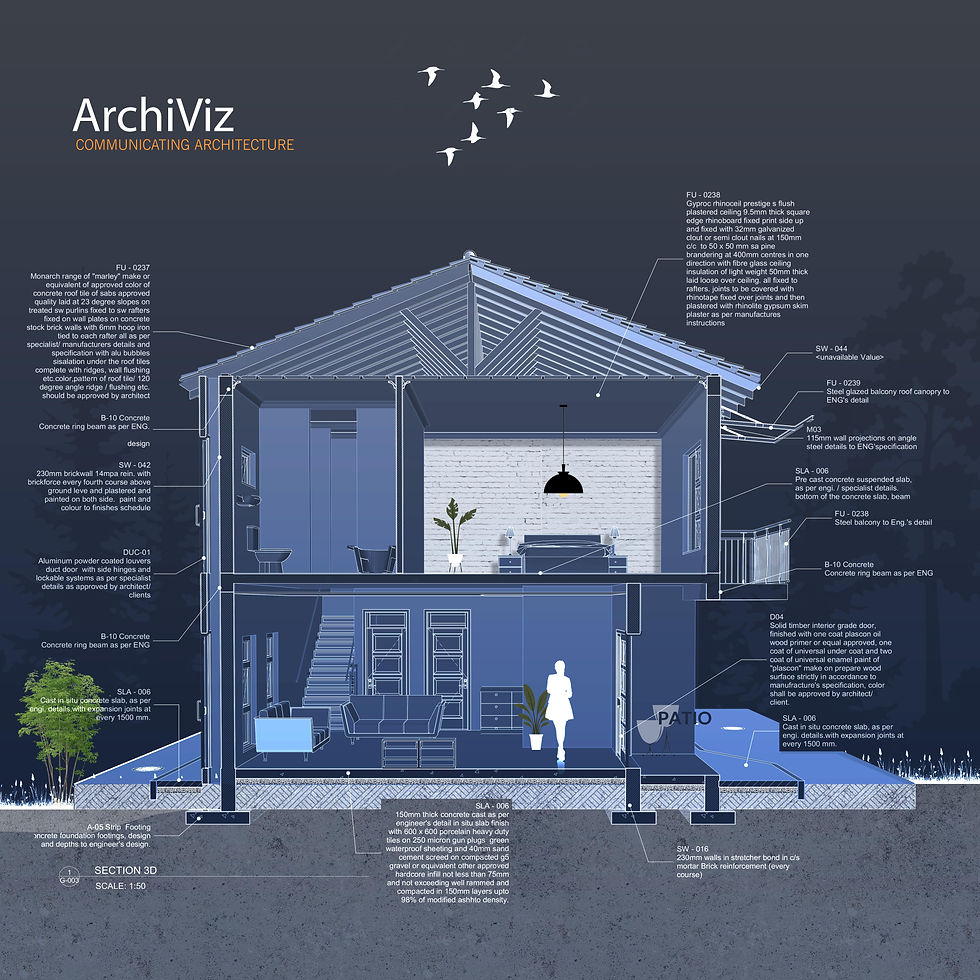
The technical drawings are the Architects’ principal weapon, they are the ultimate form of expression, and it’s our way to communicate information with the people around the building industry and clients.
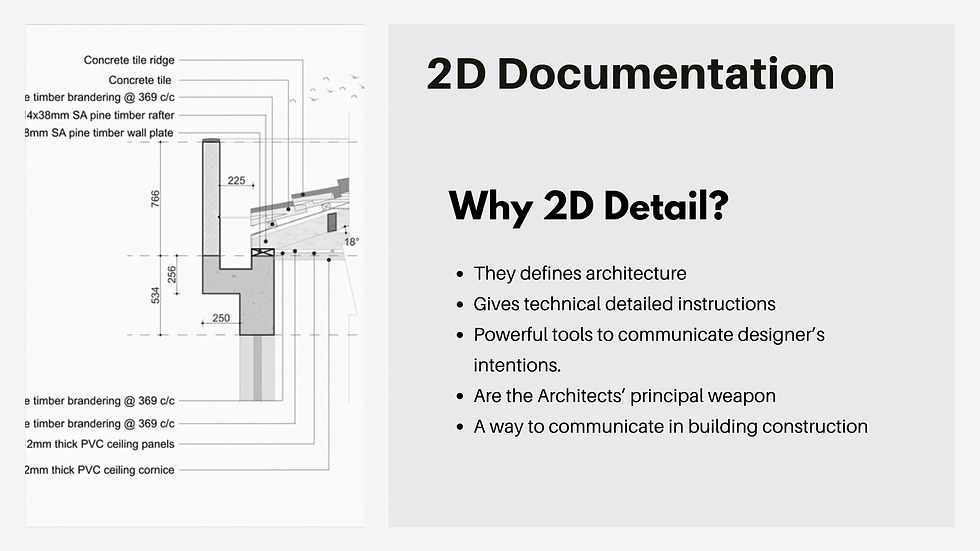

Start first by preparing the view to extract the detail from live BIM section and by the use of Detail marker tool from document menu, create a detail drawing viewpoint.

Complex profile
Complex profiles are a very powerful modeling tool that provides a great amount of data linked to them into your model. Another important aspect is how we control the way we display 2D information. The 2D display options they use can give us very good control of our drawings.
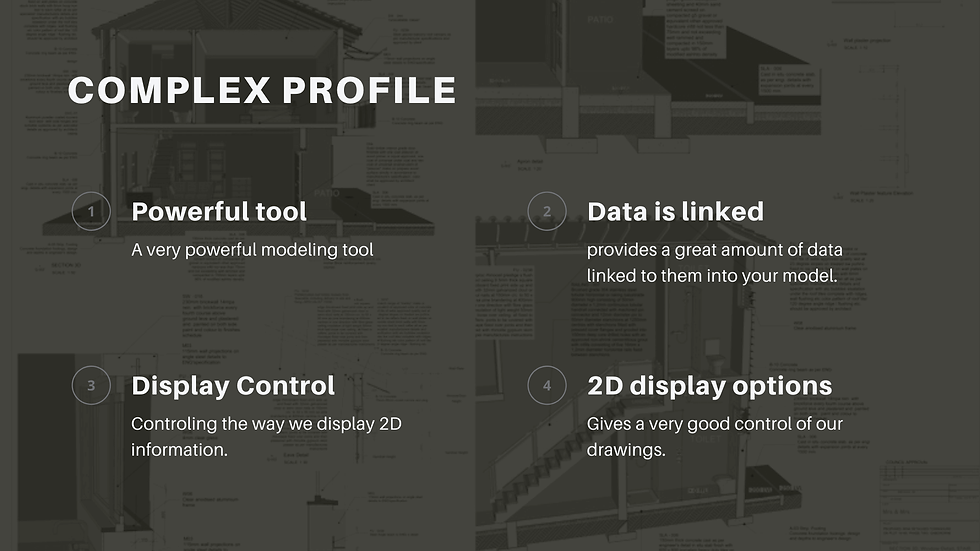
For this purpose we use 2D Fills. As you can see Fills are going to act as the Building Material of the element.
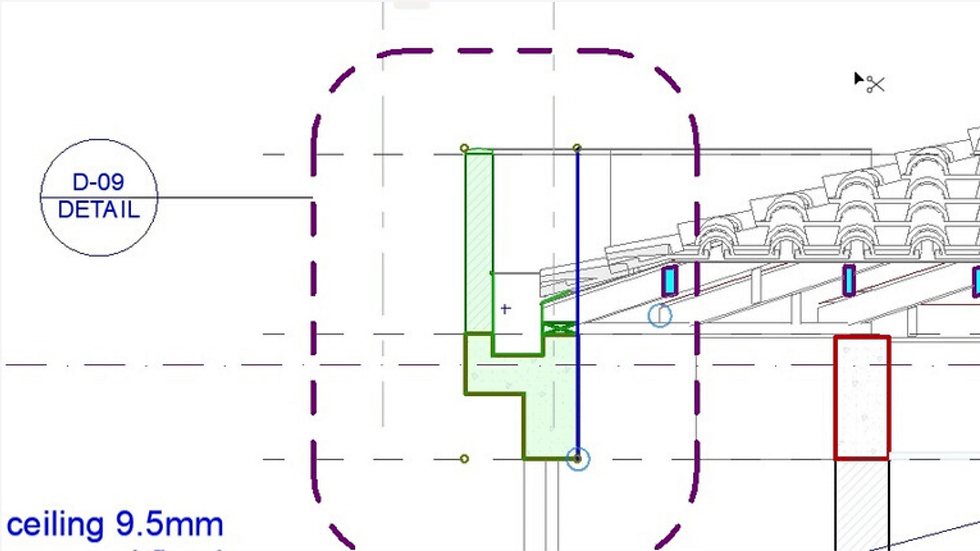
2D detail Viewport
Create an independent Detail Drawing Viewpoint with Model Source from BIM live section. This is a platform to further enhance the communication on how the constructive elements are going to be assembled.
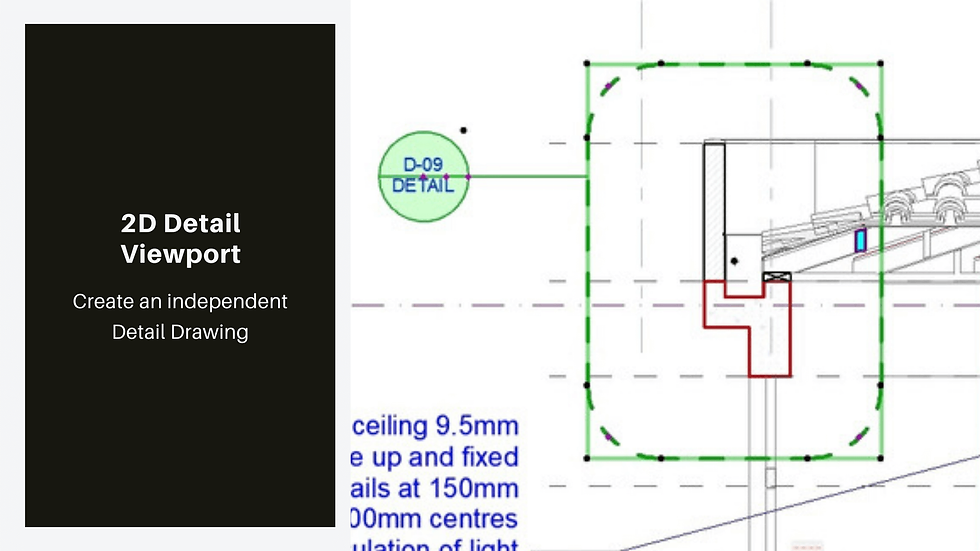
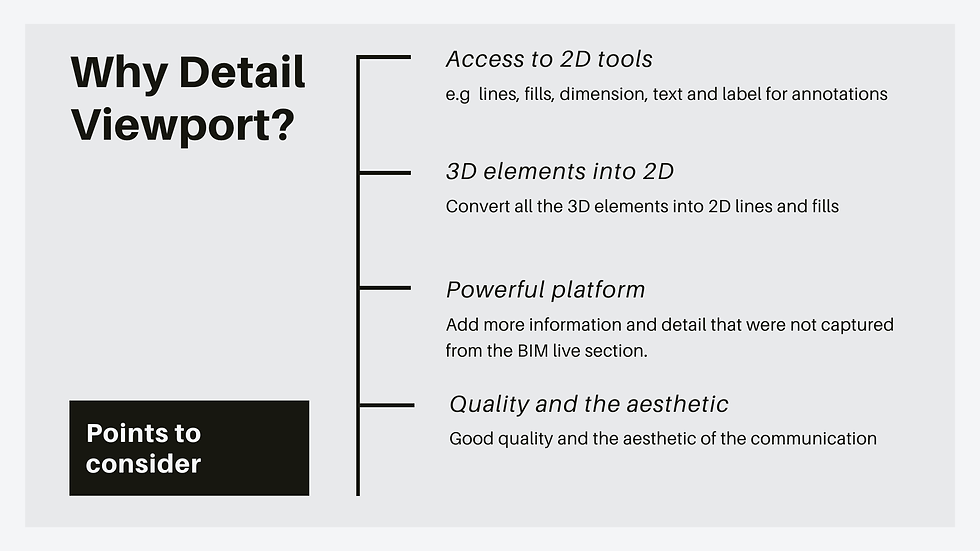
This is achieved by using 2d tools, e.g. lines, fills, dimension, text and label for annotations to indicate instruction on the construction of elements.
The independent detail will convert all the 3D elements into 2D lines and fills and some will be needless. Make sure you clean up all unnecessary information on the drawing to achieve a great level of accuracy.
Add more information and detail that were not captured from the BIM live section. E.g Truss battens using lines/fills to represent that.
Also work on the quality and the aesthetic of the communication of the drawing it has to be graphically appealing.
After the editing and adding of extra information to polish up the drawing, Use label tool from document menu tools to annotate and give description and construction methods of the elements. Use autotext to manual input the value of the annotations.
3D Documentation
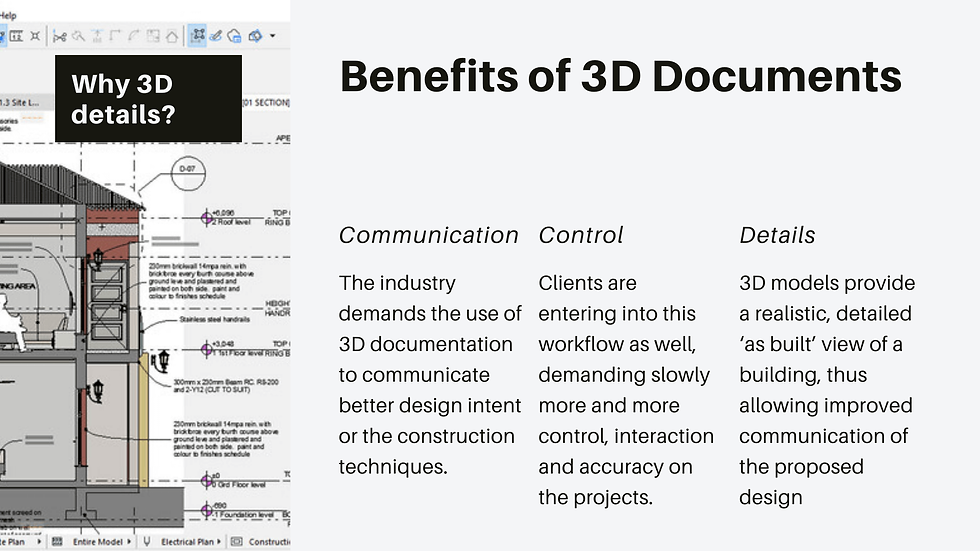
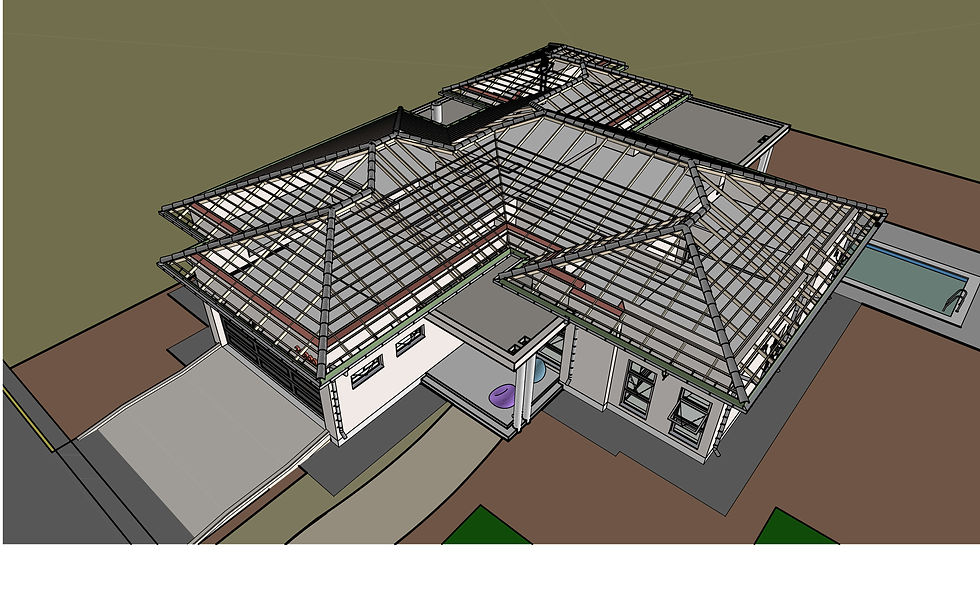
The industry demands the use of 3D documentation to communicate better design intent or the construction techniques. Technologies nowadays are pushing the boundaries of design and construction. Clients are entering into this workflow as well, demanding slowly more and more control, interaction and accuracy on the projects.



Comments